Quick start
This page walks through tensorboard-book on a demo folder. It assumes
that you know TensorBoard and have installed tensorboard-book.
1. Open the demo
tensorboard-book demo tbook-demo    # writes 14 example runs to ./tbook-demo
tensorboard-book tbook-demo         # starts the app on them
The demo is a standard TensorBoard log folder. It contains a learning-rate
sweep (resnet_…), an ablation with three seeds per setting (aug_…), a
Keras run and two runs that are still active. Some tags, notes, collections
and fields (the dataset, the GPU, the parameter count, a rating) are already
set.
2. Find the best run
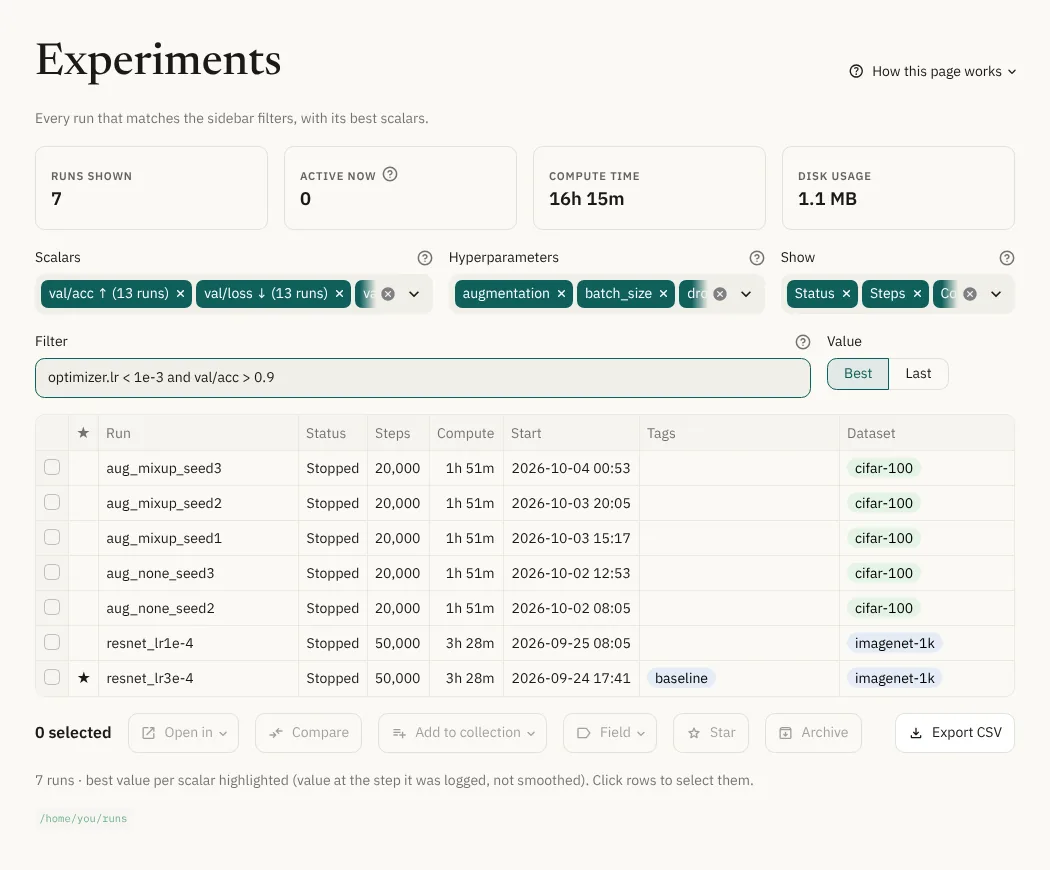
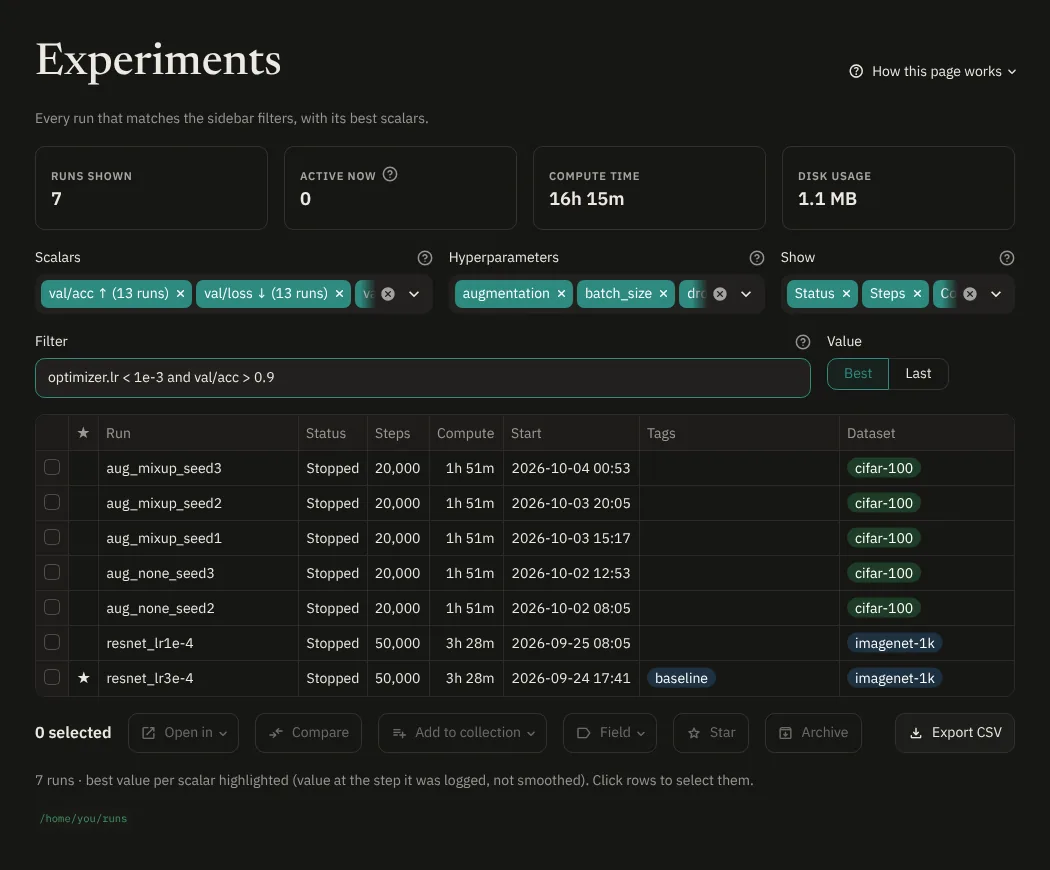
The app opens on Experiments. Each row is a run, with the best value of each scalar. ↑ means higher is better, ↓ means lower is better.
- Type
optimizer.lr < 1e-3 and val/acc > 0.9in Filter. - In the sidebar, set Collection to
lr_sweep. - Add
Paramswith Show, or filter on it:Params < 20M.
3. Compare an ablation
Open Compare, pick aug_ablation and turn on Aggregate seeds.
Each run is read at the step where val/acc was best, and the other
scalars are taken at that same step. Seeds are averaged into mean ± std.
You can export the table as CSV, Markdown or LaTeX.
Further down, Which settings lead to the best result works like TensorBoard's HParams dashboard.
4. Look at curves and at one run
- Curves overlays runs, with the same smoothing as TensorBoard, and can draw several scalars on one chart.
- Run details shows one run. Pick
resnet_lr3e-3: the Timing tab shows that it crashed and was resumed. The Overview tab shows its fields, the Artifacts tab its files, and Edit changes its tags, notes and fields.
5. Open TensorBoard
For images, histograms and other plugins, tick some rows in Experiments and press Open in TensorBoard.
6. Use your own runs
Stop the demo with Ctrl+C and start the app on the folder that you
pass to tensorboard --logdir:
tensorboard-book /path/to/runs
Each folder one level down with event files is a run. Use --depth 2 if
your runs are nested deeper. The files in the folder are never modified.
Coming from TensorBoard
| In TensorBoard | In tensorboard-book |
|---|---|
tensorboard --logdir runs |
tensorboard-book runs |
| Scalars dashboard | Curves, and best values in Experiments |
| HParams dashboard | Compare → Which settings lead to the best result |
| Run filter (regex) | Filter and Search |
| Images, histograms, graphs | Open in TensorBoard |
| Tags, notes, collections, fields and Timeline |
Next
- The views: each page of the app in detail.
- Installation: ports, passwords and other options.