Fields and settings
Everything about how this runs folder is described, in four tabs.
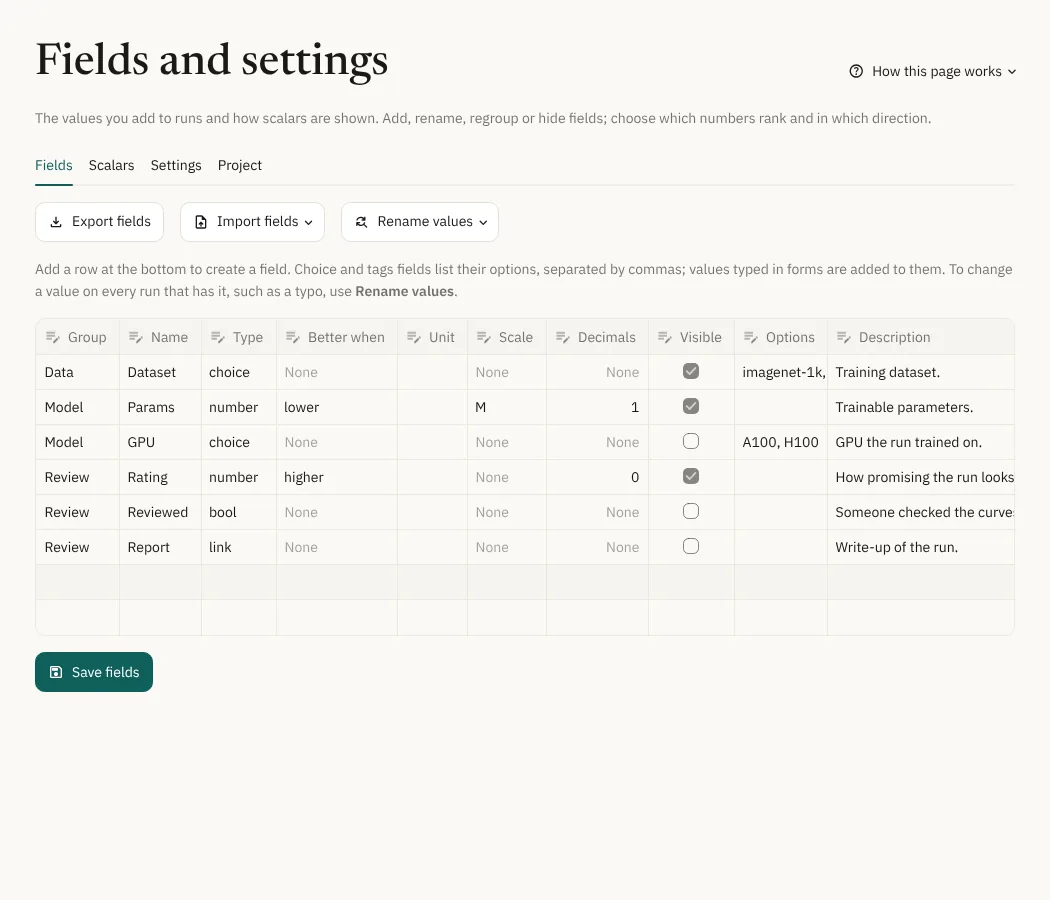
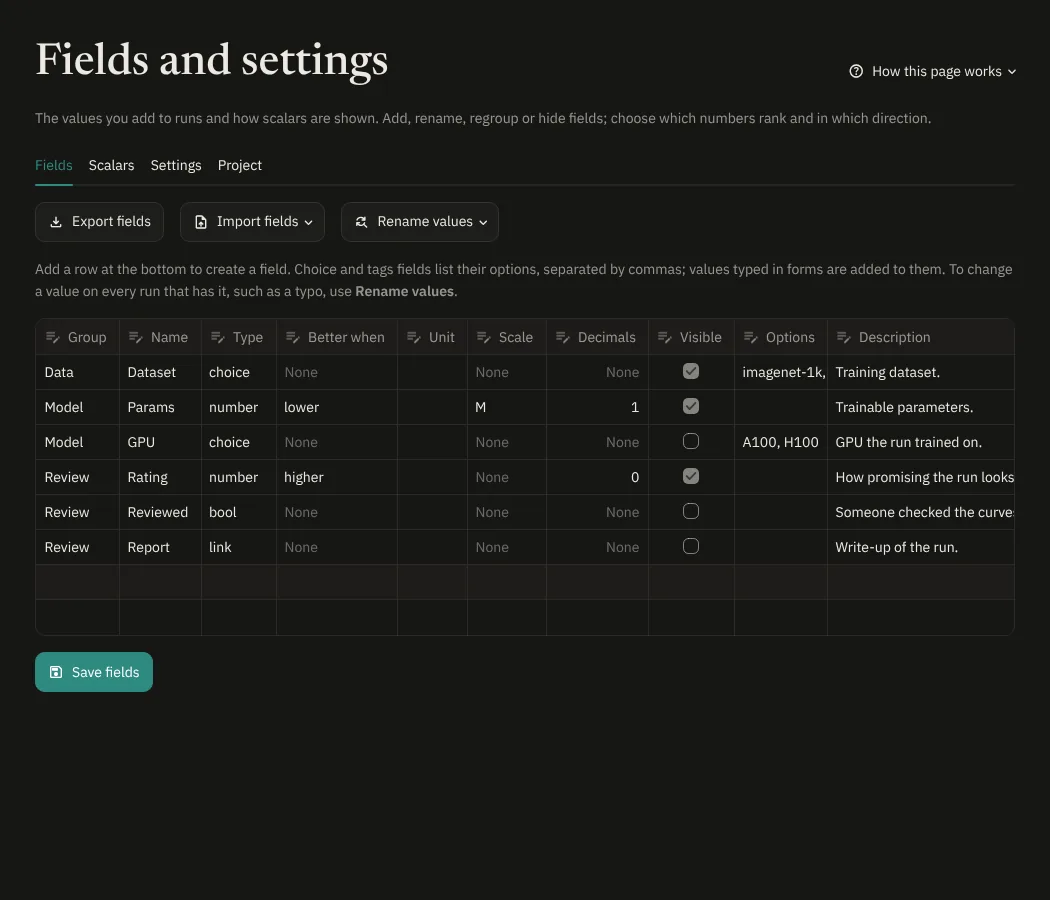
- Fields: the fields you add to runs (see Fields). Edit
the table and press Save fields: add a row to create a field, change
a name to rename it (its values follow), change its group, type, unit,
scale, decimals, direction or options, or untick Visible to keep it
out of Show by default. Changing the type converts the values and
stops with a message if one doesn't fit. Tick Delete to remove a
field and its values when you save. Rename values changes a value
on every run that has it: fix a typo, merge two spellings such as
resnetandResNet, reorder (which sets the colors) or delete the values of a choice or tags field, including the built-inTags. The table only edits the list a field offers, and keeps the values runs still use. Export fields and Import fields copy the definitions to another runs folder; values are not included. - Scalars: for each logged scalar, its group (the tag up to the last
/unless you change it), whether higher or lower is better, its unit, scale and decimals. Names with loss, error, mse and similar words default to lower; auto follows that guess. Reset all to auto forgets every direction you set. - Settings: the active threshold, the pause length, the seed pattern, the stored points per curve, the zip size limit, the TensorBoard limit and extra arguments, and the names of config files. Changing the pause or the points re-parses all runs.
- Project: where the runs folder and database are, disk usage per run and per collection, and Backup: download or import the annotations JSON, and forget runs whose folders were deleted.
Read-only visitors see the fields and scalars but can't change them.
The Scalars and Settings tabs are described in more detail in Scalars and settings, and fields in Fields.